

Move one task. See what it does to the finish.
Insulation crew can’t come till Monday? Tell Arti in a voice note, or drag the bar yourself. Everything after it shifts, and you see right away whether you still make the contract date.


Don’t start from a blank Gantt.
Most jobs look a lot like the last one. Build the schedule from this job’s budget, or apply a template and pick the start day. When a job runs well, save it as the template for the next one.
Living in Excel or Microsoft Project right now? Export what you have and import it as a template. Trade Agent reads Project’s column names, so you aren’t retyping anything.
If your setup and past jobs have nothing on how long a task takes, Arti puts in a guess and marks it Suggested. Check it before you trust it.
Build it from the budgetMove things around. The Gantt does the date math.
The next four weeks, including the stuff that isn’t a task.
Look two, four or six weeks out. The windows landing Tuesday, Wednesday’s inspection, the tile your client still hasn’t picked and the change order waiting on their yes all sit in the same list as the work, on their dates.
Beside it is the chain of tasks setting your finish date. Those are the ones you can’t let slip.
Change orders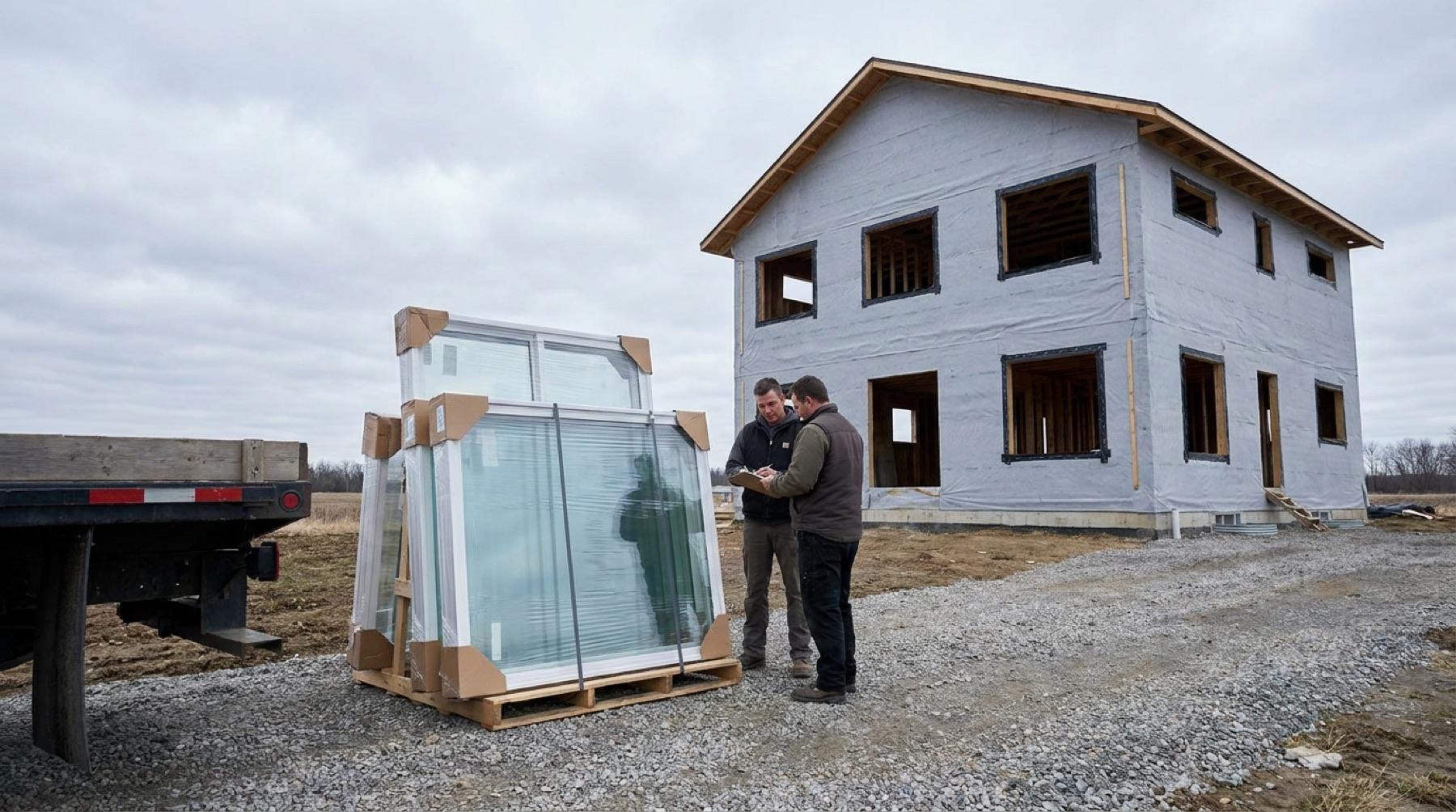
Subs get their dates, and later only the ones that changed.
Release the schedule and tick the subs who should get it. Each one gets an email with their own tasks and dates, nobody else’s, and can accept or say they can’t make it without making an account. Subs already on SubHub answer there, on the web or their phone.
Dates move, so send it again when they do. A sub only hears about the tasks that moved, with the old dates crossed out. On your side you see who’s accepted and who you’re still chasing.
Clients and subsYour clients see what’s next without calling you.
Once you release the schedule, your client can check ClientHub instead of texting you. It shows what’s happening now and who’s on site next, phase by phase, without your whole Gantt.
It’s on for every job unless you turn it off. Drafts stay private until you release them.
ClientHub
The boring stuff that keeps the dates right.
- Your work week and days off
- Set it once. Dates skip the weekends and holidays you don’t work.
- Re-date after a lost week
- Add the days you lost and run Re-date. It tells you how many tasks move and where the finish lands before it changes anything.
- Undo a build
- Applied the wrong template? Build history keeps every build and re-date, and you can undo any of them.
- Print it for the trailer
- Print the Gantt or the task list to PDF and tape it up. Or export the list to a spreadsheet.
Your crews’ week and the paperwork that comes with running a job.
Project ManagementWho’s on which site this week, across all your jobs.
CalendarTalk while you walk the job. Arti turns it into the daily log and assigns the tasks.
Voice notesExtras your client approves from a link. Until they do, they sit on the look-ahead.
Change ordersCan I import a schedule from Microsoft Project?
Not the .mpp file. Export your schedule from Project, or any spreadsheet, as Excel or CSV and import it as a schedule template. Trade Agent reads Project's column names, so the columns line up without retyping. Then apply the template to the job and pick its start day.
Does Trade Agent show the critical path?
Yes. Switch on Critical path in the Gantt and the tasks setting your finish date get a red outline. The Overview tab names the one driving it and tells you how many work days you are past or ahead of the contract date. Switch on Baseline to see how far each task has slipped from your original plan.
What happens to the other tasks when I move one?
Everything linked after it moves too, and keeps its wait. Links can be finish-to-start, start-to-start, finish-to-finish or start-to-finish, with lead or lag in days, and you can type them or draw them on the Gantt. A task pinned to a date can get pushed later but never pulled earlier. And you can't drag a task to start before the one it's waiting on.
Do my subs need an account to see their dates?
No. Release the schedule and every sub you tick gets an email with their own tasks and dates. They accept each one or tell you they can't make it, on a page with no login. Subs on SubHub can answer there instead, on the web or their phone. If dates change later, send it again and they only get what moved.
Can my client see the project schedule?
Yes, once you release it. Their ClientHub shows what's happening now and who's on site next, with each phase moving from coming up to finished. You can turn it off for any job.
Does the schedule work on my phone?
The Gantt and the task list are web only. On your phone you can see which subs have accepted their dates, and you can tell Arti in a voice note to move a task. Your subs confirm their dates from their phones too.
Does AI build the schedule?
No. You build it, from the budget, a template or your old schedule. The links, the knock-on moves and the critical path are fixed rules, not AI. Arti helps in two places: it suggests how long a task should take when nothing in your setup or past jobs says (marked Suggested), and it moves a task when you tell it to. Whatever moves after that follows the same rules as a drag.
What's the difference between the schedule and the calendar?
The schedule is one job, start to finish, on a Gantt. The team calendar covers this week across every job: appointments, and which crew is where.