

Arti writes the reply to every website lead before you open it.
Put the form on your website. Each request comes in as a lead, checked against your service area and your customer list. Arti writes back asking only what the form left out. You send that reply, or let Arti send the first one.

Your form, on your website, in your colours.
Paste the embed code into your website builder, or share the form’s link on its own. The homeowner sees your logo and your colour. They give a name, phone, email and address, answer your questions, say what they need and add up to five photos.
Nobody types anything in. Each request lands in your Inbox with everything they sent.
An admin turns the website form on in Settings. It’s off until then.
Ask what you’d ask on the phone, and only once.
Add up to 12 questions of your own: a short answer, yes or no, or a pick from your choices. Then say where each one is asked.
- On form
- On the form. Tick Required if you must have it.
- Form, then Arti
- On the form but optional. If it’s left blank, Arti asks by email.
- Arti asks
- Kept off the form. Arti asks by email, unless the request already said.
Arti asks what the form didn’t, then hands you a lead that’s ready to book.
Draft — I send is the default. Switch to Auto — Arti sends and Arti sends that first reply itself. Follow-ups always wait for you.
- New
- Contacted
- Appointment to schedule
- Appointment booked
- Estimating
- Estimate sent
- Customer
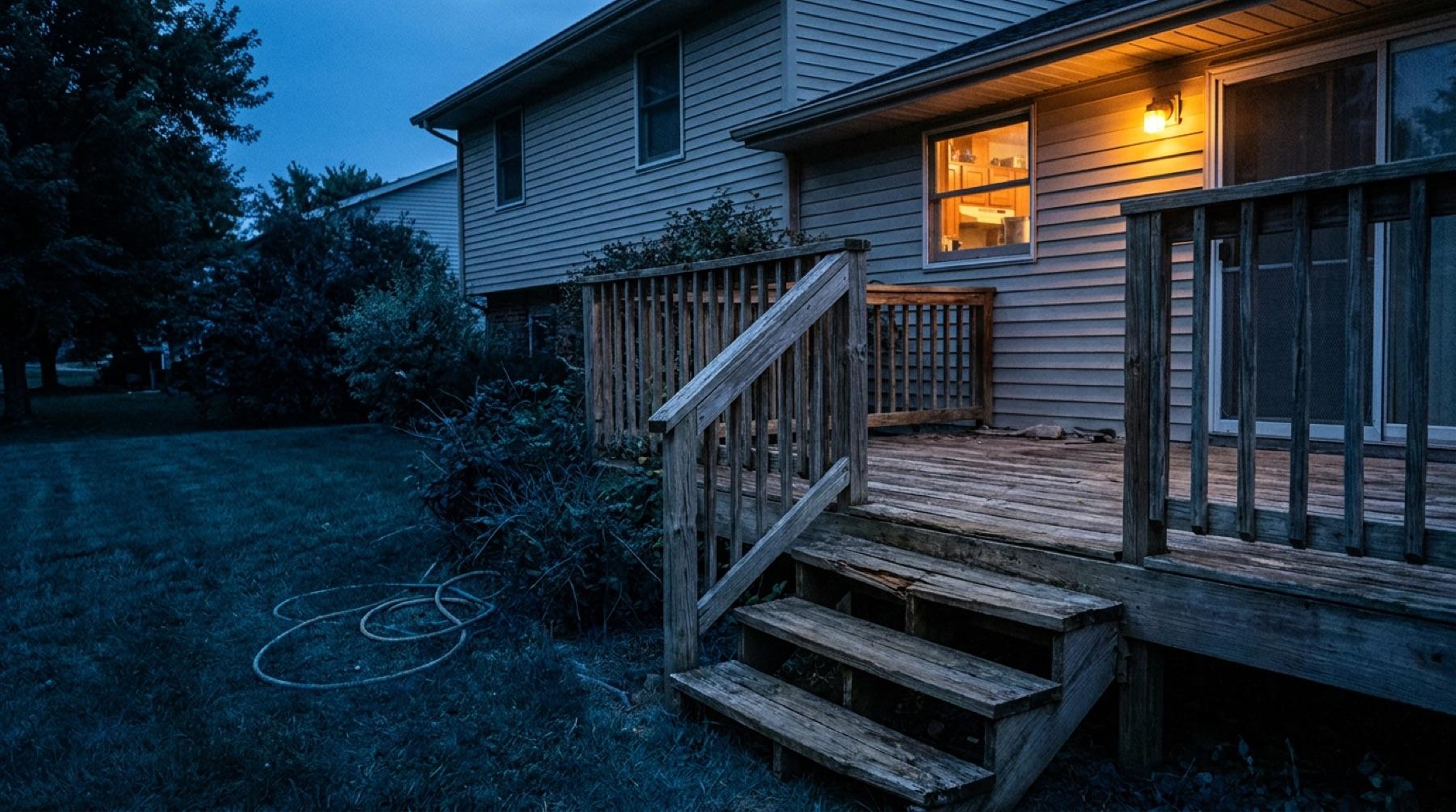
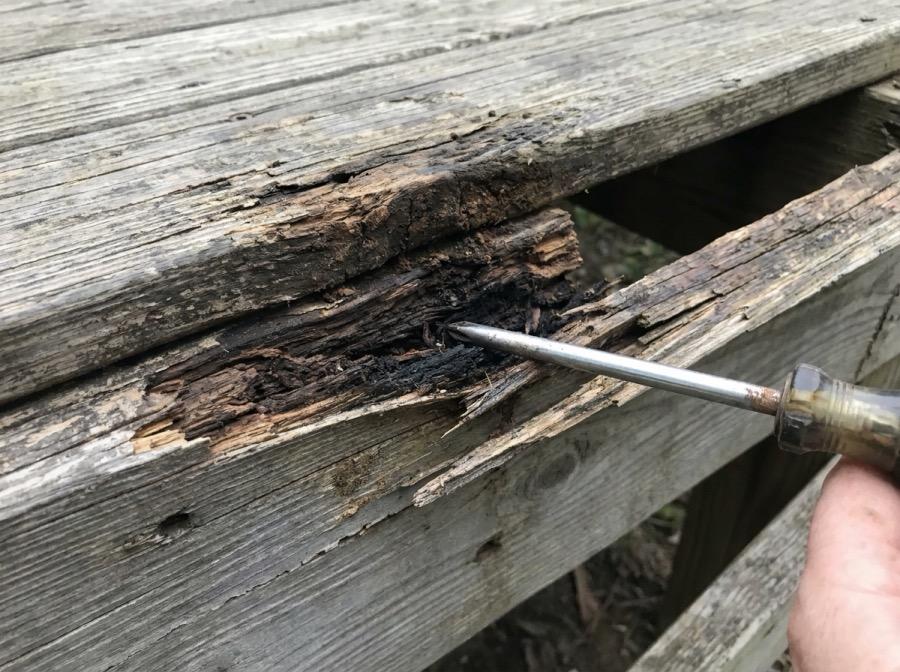
Back deck is rotting. We’d like it replaced, maybe a bit bigger.
Hi Erin,
Thanks for sending the photos of your deck. Two quick questions before we come out:
- About how big is the deck now?
- Is the side gate locked?
Sam Ortega
Ridgeway Builders
Hi Erin, thanks for sending the photos of your deck. Two quick questions before we come out:
- About how big is the deck now?
- Is the side gate locked?
It’s about 12 by 16. The gate isn’t locked, just come round the side.
- Is the deck attached to the house?
- YesForm
- About how big is it?
- Arti is askingAbout 12 by 16Email
- Is the side gate locked?
- Arti is askingNoEmail
Every request is checked against your miles and your customer list.
Set a centre and how far you’ll drive, plus any towns or ZIPs you’ll always take. A request from outside is flagged, and Arti drafts a polite decline that waits for you. Send it, or take the job anyway. A past customer is never flagged.
The same email or phone as someone you already have joins their record. A closer call, like a similar name, comes in marked “Might be”, and you say whether it’s the same person.
She hears back at once. You hear about it only if you want to.
The moment she sends the form, the homeowner gets a short “we got it” email in your colours, with your logo. Edit the words, or switch it off. Arti’s reply follows under the same subject, so the two stay one conversation in her inbox.
Want the office emailed too? Add up to 10 addresses for an email on every new lead, a copy of every reply, or both. Her replies land on the lead’s thread either way.
Hi Erin,
Thanks for reaching out to Ridgeway Builders. We got your request and we’ll be in touch shortly.
Sam Ortega
Ridgeway Builders
A new website lead starts on the lead path at New, and moves itself as you email, book and send the estimate.
The lead pathSchedule estimate opens an appointment filled in from her request, on the same calendar as your crew.
CalendarHer photos and answers are on her record when you sit down to write the estimate.
Quoting & EstimatingA lead who rings instead? Mention them on your next voice note and Arti fills in their record for you to check.
Voice notesCan I put the request form on my own website?
Yes. Copy the embed code into your website builder's HTML or embed block, or share the form's link on its own. An admin turns the form on in Settings first; it's off until then.
Does the form show my brand or Trade Agent's?
Yours. The form and the emails the homeowner gets carry your logo and your colour. Homeowners don't log in or make an account.
What does Arti write to a new lead?
A short email that thanks them by first name and asks only the questions their request didn't answer, as a numbered list. It reads as your company, ends with your signature, and never mentions Arti or AI. It doesn't make up prices, dates or availability.
Does Arti send replies on its own?
Only if you switch the first reply to Auto, and then only that first reply. Declines, possible duplicates and every follow-up wait for you to read and send. Draft is the default.
What if the job is outside my area?
Set a centre, the miles you'll drive, and any towns or ZIPs you always take. A request from outside is flagged and Arti drafts a polite decline, which you can send or swap for a normal reply with Take it anyway. Past customers are never flagged.
What happens when someone I already have fills in the form?
If the email or phone matches a customer, the request joins their record. A closer call, like a similar name, comes in as a possible duplicate, and you choose Same person or Different person. Nothing is merged without you.
Who gets emailed when a request comes in?
The homeowner gets a short confirmation straight away, on by default. Your office gets a new-lead email and a copy of each reply only if you switch them on and add up to 10 addresses. Admins, billing users, project managers and whoever books your estimates get a notification in the app.
Does the form stop spam?
It has a spam check built in before Send. If you ever need to, New link gives the form a fresh address and the old link stops working at once.
Can leads come in from Angi, Houzz, Thumbtack or Facebook?
No. Leads come from your website form, an email you start, the New Customer screen or a voice note. It doesn't text leads either; it emails them.
Does it work on the phone app?
Setting up the form and reviewing new leads happen on the web. On the phone, leads show with a Lead badge, and you can add one by hand or from a voice note.