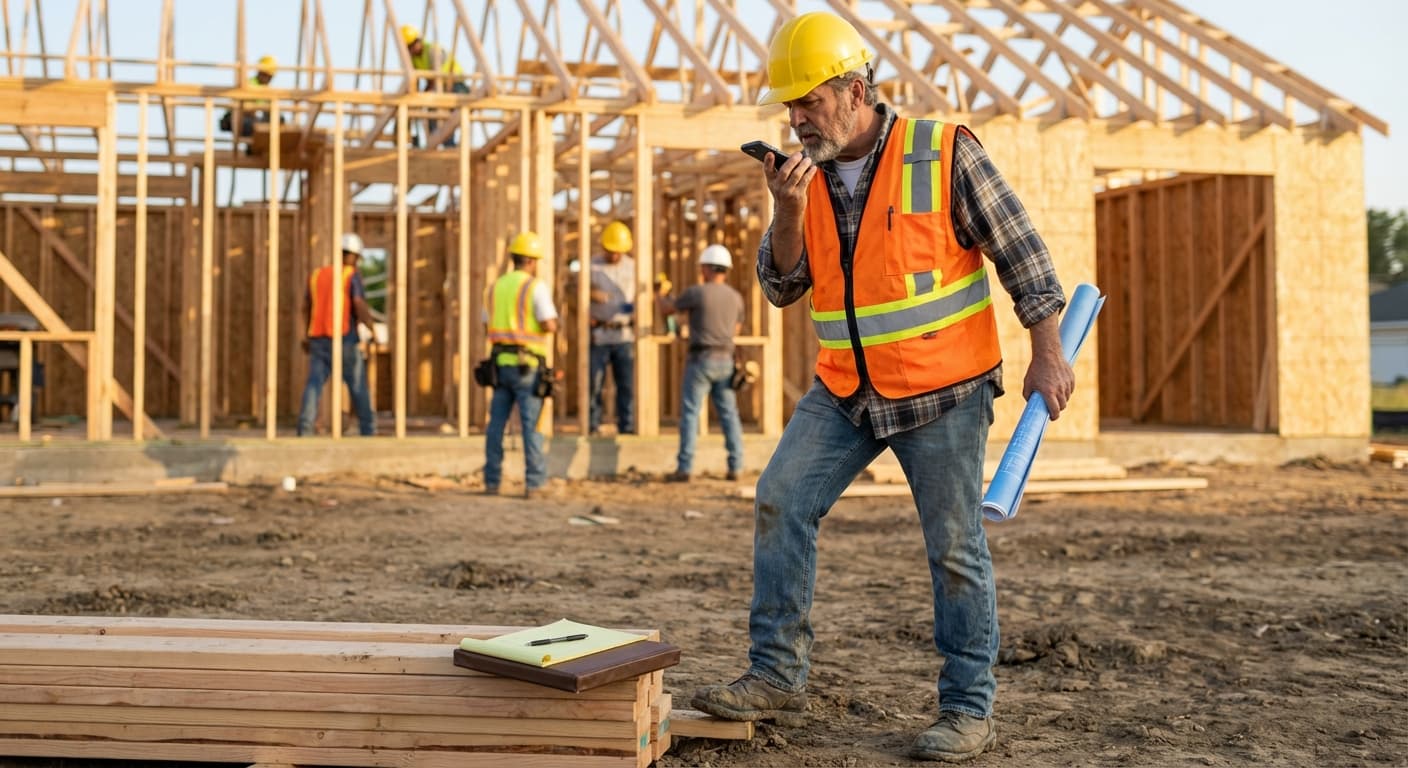

I watched a superintendent try to type a daily report on his phone last summer. Standing in direct sun, dust on the screen, one thumb pecking out sentences while his other hand held a set of rolled plans. According to FMI and Autodesk’s “Construction Disconnected” report, construction professionals spend 35% of their time on non-productive activities like documentation, conflict resolution, and hunting for project information. That superintendent was burning daylight so his PM could have a paragraph nobody would read until next week.
Construction voice notes are killing that workflow, and it’s about time.
Think about how construction actually communicates. Foremen shout instructions across framing. Subs call in scope changes from the truck. GCs walk jobsites narrating punch lists to nobody in particular. The documentation tools just never matched how any of this works. Now they do.
Why Do Clipboards and Apps Keep Failing on Jobsites?
They require clean hands and full attention, two things no active jobsite provides.
The AGC and Sage 2024 Construction Hiring and Business Outlook survey found that 67% of firms use mobile software for daily field reports. So adoption isn’t the problem. The problem is friction. Typing on a phone while wearing work gloves doesn’t happen. Pulling up an app in 95-degree heat with sun glare means squinting at a screen that’s already cracked from the last time it fell off a ladder. And paper clipboards, which still exist on plenty of jobsites, generate documentation that lives in one place until someone loses it.
I ran jobs for six years where the “documentation system” was a legal pad in my truck. At the end of the week, I’d sit down and try to reconstruct what happened Monday through Thursday from notes that said things like “talked to Ray about flashing” and “check NE corner.” That legal pad was my daily report, my punch list, and my liability shield, and it was terrible at all three.
The smartphone helped, but not as much as Silicon Valley hoped. MindForge’s analysis of the JBKnowledge ConTech Report shows 93% of trade contractors carry smartphones on-site. But the AGC survey found that 70% of contractors have no formal technology roadmap, and 43% say finding time to implement and train is their biggest barrier. The phones are there. The willingness to stare at them for 20 minutes filling out form fields is not.
What Makes Voice Documentation Different from Typing on Your Phone?
Speed, mostly. And the fact that talking doesn’t require you to stop working.
Construction Business Owner published research showing voice input is 7 to 10 times faster than typing on a mobile device. If your daily field report takes 25 minutes to type, that’s 2 to 4 minutes by voice. Across a 250-day work year, you’re looking at 80+ hours of documentation time compressed into under 15 hours.
But raw speed misses the bigger point. Typed reports are retrospective. You finish the walkthrough, go back to the trailer, and try to reconstruct what you saw. Voice notes are present-tense. You talk while you walk. The observation and the documentation happen simultaneously, which means fewer things get forgotten or softened by memory.
A foreman walking a concrete pour can say exactly what he sees while he sees it. “North foundation wall has a cold joint at about 42 inches, east side. Vibrator wasn’t reaching it. I told Marco’s crew to chip it out and re-pour before framing starts.” That one sentence just saved his ass when the framing sub complains the wall is out of spec three weeks from now. Typing that out later, it becomes “foundation issue, east wall, talked to concrete crew.” The specificity dies between the jobsite and the keyboard.
The accuracy question is fair to raise. Peter Lasensky, founder of NoteVault, argued for years that jobsite noise, accents, and trade slang made voice transcription unreliable. He wasn’t wrong at the time. Early speech-to-text hit error rates above 20% in noisy environments. But modern AI transcription engines have closed that gap hard. AssemblyAI’s benchmarks show that current models achieve 95–97% accuracy in typical conditions, and construction-trained models are getting better at filtering background noise and recognizing trade terminology. The code-switching between English and Spanish that happens naturally on mixed-language crews used to break transcription completely. It doesn’t anymore.
How Does AI Turn a Voice Note into Actual Documentation?
This is where it stops being a glorified dictation app and starts replacing workflows.
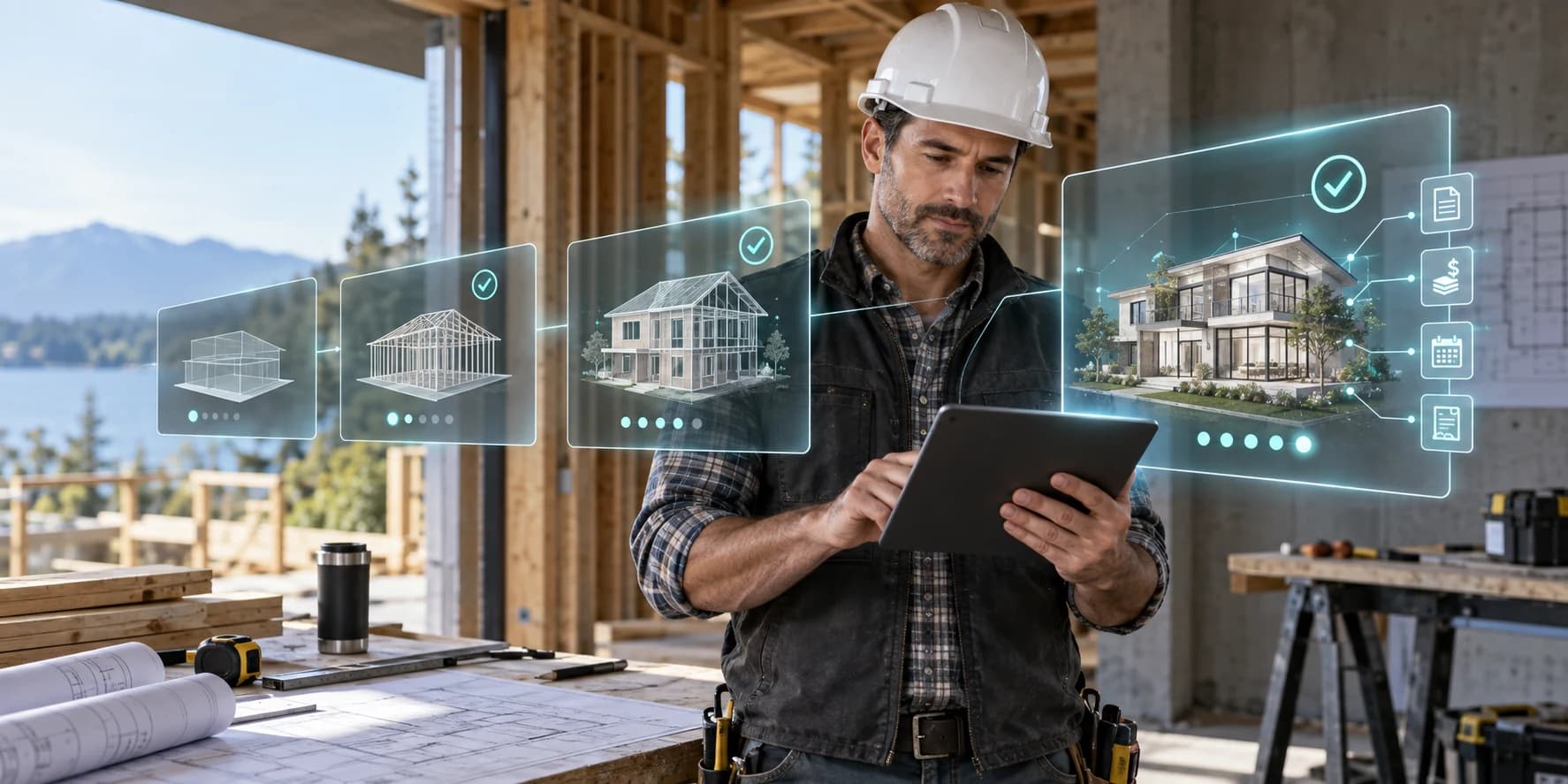
Modern construction voice notes tools don’t just transcribe. They parse. You talk for 90 seconds about what you saw on a jobsite walk, and the AI separates it into categories: these are tasks, this is a daily log entry, this relates to an open invoice, this is a punch list item. The output isn’t a wall of text. It’s structured data that slots into the project record.
Trade Agent’s voice notes feature works this way on mobile. A GC hits record, walks the site, talks about what they see, and the AI generates a daily project log, creates individual tasks tagged to the right trades, links observations to open invoices or budget line items, and flags anything that looks like a scope change. The GC never opens a laptop.
The task generation piece matters more than it sounds. FMI’s research found that $31.3 billion in annual U.S. construction rework traces back to poor project data and miscommunication, representing 48% of all rework. A significant portion of that miscommunication is the gap between what a superintendent observes in the field and what actually gets documented and transmitted to the team. Voice notes that automatically create tasks close that gap at the source.
And the recordings persist. Unlike a phone call or a shouted instruction across the site, a voice note is timestamped and attached to a specific project. You can search it later. When a sub disputes whether they were told about a change six weeks ago, the answer is in the recording.
What About Jobsites Where Crews Speak Multiple Languages?
Walk onto any residential site in Dallas or Phoenix. Half the conversations happening aren’t in English.
NAHB analysis of Bureau of Labor Statistics data puts numbers to what every GC already knows: Hispanics now comprise 31.1% of the U.S. construction workforce, up from 23.6% in 2010. That’s 3.7 million workers. In Texas, it’s 63% of the construction labor force. California, 58%. Nevada, above 50%.
Meanwhile, the American Council on the Teaching of Foreign Languages identified that construction has the largest language gap of any U.S. industry between the number of workers who primarily speak a non-English language and the number of managers who can speak those languages.
So you’ve got an industry where a third of the workforce communicates most naturally in Spanish, managed by supervisors who mostly speak English, generating documentation in English-only project management tools. And then everyone wonders why there’s a miscommunication-driven rework problem.
AI voice notes handle this without making it a whole thing. A sub’s lead can record a note in Spanish about material delivered to the wrong location. The AI transcribes it in Spanish, translates it to English, and creates a task on the project visible to the English-speaking PM. Nobody plays phone tag waiting for the one bilingual guy on the crew. And “the tile for the master bath arrived but it’s the wrong color” doesn’t get compressed into “tile issue, bathroom” on a sticky note that the PM finds three days later.
Trade Agent supports over 150 languages through its voice notes, and the AI handles the contextual translation—not just word-for-word substitution but understanding that when a plumber says “the trap arm is too long” in Spanish, the English task should reference the specific fixture and the plumbing code implication.
If you’re running projects in Texas or Nevada or Southern California, where over half your labor communicates primarily in Spanish, this changes what your documentation actually captures. Instead of a PM’s 20-minute walkthrough perspective, you’re getting field observations from every crew lead on the site.
Does Voice Documentation Actually Reduce Rework and Costs?
The direct studies on voice-specific documentation and rework reduction are still thin because the technology is new at this scale. But the proxy data is compelling.
We know from FMI that 48% of rework is caused by poor data and miscommunication. We know from PlanRadar’s analysis that rework accounts for 5–9% of total contract value on average. And we know that documentation quality directly correlates with communication quality. Improve the documentation, and you cut the rework that stems from “I didn’t know about that” and “nobody told me.”
Run rough numbers on a $3 million residential project. If rework costs 5% of contract value, that’s $150,000. If 48% of that rework traces to poor data and miscommunication, that’s $72,000 attributable to documentation failures. Cut documentation-driven miscommunication by even 30% through better field capture, and you’re recovering $21,600 on a single project. For a GC running 10–20 projects per year, the math gets serious fast.
McKinsey’s construction productivity analysis estimated that global construction productivity has improved only 10% from 2000 to 2022, one-fifth the rate of the overall economy. Their researchers consistently identify delayed technology adoption and poor communication as top suppressors. Construction workers aren’t slow. The tools have been wrong for the environment. Voice-first documentation finally fits.
How Do You Actually Get Your Crew to Use Voice Notes?
Drop the training manual. Seriously.
The reason clipboards survived for decades while apps struggled is that clipboards have zero learning curve. Voice notes have the same advantage. Everybody already knows how to talk. You’re not teaching a new skill. You’re giving permission to use one they already have.
The adoption playbook I’ve seen work on actual jobsites is embarrassingly simple. Give the super or lead a phone with the app installed. Tell them to hit record during their morning walk and talk about what they see. That’s it. Skip the settings screen. Skip the user guide. Just let them talk.
Within a week, most crews figure out that their rambling 3-minute monologue about the south elevation turned into a formatted daily log, four tasks assigned to the right subs, and a note linked to an open change order. They didn’t fill out a single form. They didn’t open a laptop. They talked, and the project got updated.
For subs specifically, Trade Agent’s mobile app works offline and syncs when connected, which matters on rural jobsites and inside structures where cell signal drops. A plumber in a basement can record a voice note about a material discrepancy, and it uploads the next time they walk outside. No “couldn’t get signal” excuse for undocumented field observations.
What Should You Look for in a Voice Documentation Tool?
Not every “voice notes” feature is built the same. Some are glorified dictation. You talk, it transcribes, and you get a wall of text that you still have to organize manually. That’s a marginal improvement over typing.
What actually moves the needle is when voice becomes the primary input for project data. When you talk and the system creates tasks, updates logs, links to budgets, and flags scope changes without you touching a keyboard. Trade Agent was built this way—voice-first, not voice-added-later. The AI parses your 90-second jobsite monologue into structured records attached to the right project, the right trades, the right cost codes.
For a GC running 15 projects with mixed-language crews, the difference between “voice transcription” and “voice-to-project-data” is the difference between a convenience feature and an actual workflow replacement.
If you’re spending 25 minutes a day on reports that nobody reads until next week, try talking instead. Trade Agent’s demo shows how the voice-to-data pipeline works on a real project. See if it fits how your crew actually operates.
Frequently Asked Questions
How accurate are construction voice notes with jobsite background noise?
Modern AI transcription hits 95–97% accuracy in typical conditions, per AssemblyAI benchmarks. Construction-trained models are improving at filtering equipment noise and recognizing trade terminology.
Can voice notes replace daily field reports entirely?
For most residential projects, yes. AI parses spoken observations into formatted daily logs, task lists, and punch items. The output is more detailed than what most crews type manually.
Do construction voice notes work in Spanish?
Trade Agent supports 150+ languages including Spanish. The AI transcribes, translates, and creates English-language tasks from Spanish-language recordings with contextual accuracy.
How much time do voice notes save compared to typed reports?
Voice input is 7–10x faster than typing on mobile. A 25-minute typed report takes 2–4 minutes by voice, saving 80+ hours per year per worker.
Are voice notes legally defensible for construction documentation?
Timestamped, unedited voice recordings with AI transcription create a stronger audit trail than handwritten notes or after-the-fact typed reports. They’re increasingly accepted for dispute resolution and OSHA compliance documentation.
What happens if there’s no cell signal on the jobsite?
Trade Agent’s mobile app works offline and syncs automatically when connectivity returns. Recordings are stored locally until upload completes.
How do voice notes connect to invoices and budgets?
AI parses voice note content and links observations to relevant budget line items, open invoices, and cost codes. A spoken reference to materials or scope changes gets attached to the correct financial record.
Can subcontractors use voice notes too, or just GCs?
Both. Subs can record voice notes linked to specific projects, creating documentation visible to the GC. This is especially valuable for subs working across multiple GC relationships simultaneously.