
The AI Sales Pitch vs. Reality
According to the latest reports, 66% of technology projects end in partial or total failure. In construction—an industry that McKinsey ranks second-to-last out of 22 sectors for digitization readiness—that number feels optimistic.
I build AI software for contractors. I've sat through hundreds of demos from the vendor side, and I've watched GCs get burned by tools that looked incredible in a conference room but fell apart on the first jobsite. The gap between what AI promises and what it delivers is where your money disappears.
This isn't a pitch. These are the seven questions I'd ask any vendor—including myself—before signing a contract. They're designed to expose whether a tool was built for construction realities or retrofitted from some other industry and dressed up with hard hat photos.
Why Most Construction AI Fails Before It's Installed
Most AI tools fail in construction because they're built by engineers who've never reconciled a change order at 6 PM on a Friday. The software works beautifully in demos—with clean data, perfect lighting, and unlimited time—but breaks against the chaos of real projects.
According to a 2025 survey by the Royal Institution of Chartered Surveyors, 45% of construction professionals reported zero AI implementation in their organizations, with another 34% stuck in early pilot phases that never scale. The pattern is predictable: a promising pilot, enthusiastic early adoption, then gradual abandonment as the tool creates more problems than it solves.
Research from Boston Consulting Group found that 70% of digital implementations fail to meet their objectives. In construction, where workflows are fragmented across dozens of subcontractors and conditions change hourly, that failure rate is likely higher. The questions below help you identify which tools will survive first contact with your operation—and which will become expensive shelfware.
Question 1: "Can You Show Me This Working on a Messy PDF, Not a Clean Demo?"
If a vendor only shows their AI working on pristine, well-formatted documents, that's your first red flag. Real construction documents are chaos incarnate—hand-marked plans, inconsistent formatting, scanned copies of faxed copies, addendums stapled to addendums.
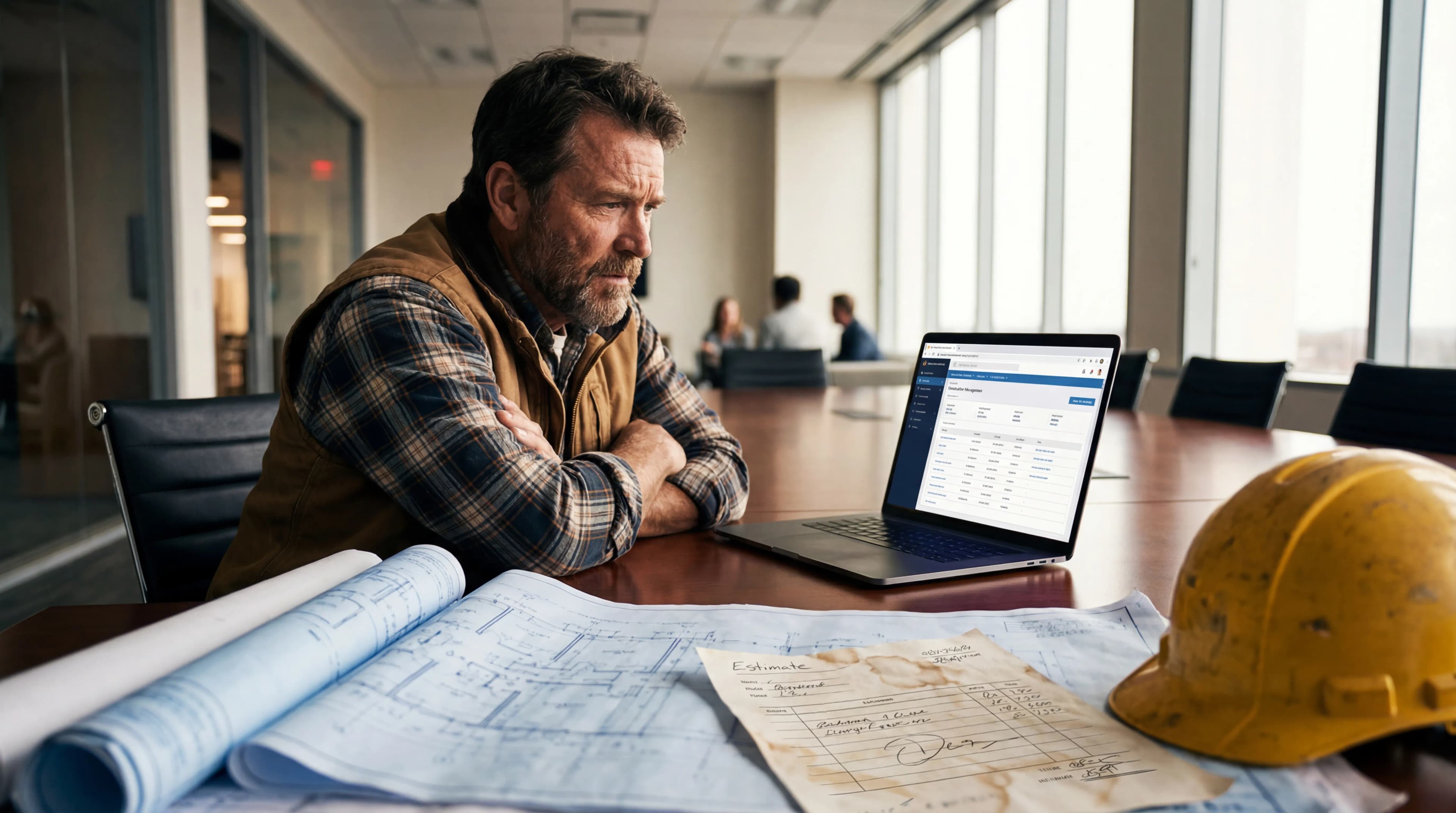
The technical reality is that AI models trained on clean data perform dramatically worse on messy inputs. A system that extracts line items perfectly from a formatted Excel export will choke on a contractor's handwritten estimate photographed under fluorescent lights.
What good looks like: The vendor processes YOUR documents during the demo—not next week after their team "prepares" them, but right there in the meeting. They should be confident enough in their system to handle whatever you throw at it.
Red flags to watch for: "We'll need to clean that up first." "Our system works best with digital-native documents." "Let me show you this sample instead." Any deflection away from your actual files suggests the tool isn't ready for your reality.
Question 2: "What Happens When the AI Gets It Wrong?"
Every AI system makes mistakes. Anyone who tells you otherwise is either lying or doesn't understand their own product. According to Deloitte's State of Digital Adoption report, 48% of construction leaders cite additional training and skills development costs as the biggest barrier to new technology—much of which stems from cleaning up AI errors.
The question isn't whether errors happen. It's how easy they are to catch and correct before they cascade into real problems.
What good looks like: The system shows confidence levels for its outputs. It flags uncertain extractions for human review. It maintains an audit trail so you can trace any number back to its source. Editing AI outputs should take seconds, not minutes.
Red flags to watch for: Claims of "99% accuracy" without context. (99% of what? Measured how? Over what dataset?) Inability to explain the error-handling workflow. Any suggestion that you should "trust the AI" without verification steps.
I'll be direct: I build AI for contractors, and our system gets things wrong. The difference is in how quickly you can catch and fix those errors. If a vendor can't walk you through that process in detail, their tool will create problems you don't discover until they've already cost you money.
Question 3: "How Does This Fit My Existing Workflow, Not Replace It?"
The best AI tools augment how you already work rather than forcing you to rebuild your entire operation around the software. McKinsey research indicates that digital transformation can deliver productivity gains of 14-15% and cost reductions of 4-6%—but only when implementation doesn't create more friction than it removes.
The JBKnowledge Construction Technology Report found that 48% of construction professionals will only adopt new software if it includes an easy-to-use mobile app. That's not pickiness—it's recognition that tools need to meet workers where they are, not demand that workers change everything to accommodate the software.
What good looks like: The vendor asks detailed questions about your current process before showing features. They can map their tool against your existing workflow step by step. They emphasize integration points, not wholesale replacement.
Red flags to watch for: "You'll need to change how you do X, Y, Z to use this effectively." Heavy emphasis on "best practices" that don't match your operation. Assuming your process is wrong rather than understanding why it works for you.
Question 4: "Can My Least Tech-Savvy PM Use This Without Training?"
The real test of construction software isn't whether your most tech-forward estimator can figure it out. It's whether your veteran project manager—the one who still prefers paper and has forgotten more about building than most engineers will ever learn—can pick it up in ten minutes without a manual.
According to Associated Builders and Contractors, more than one in five construction workers are 55 or older. The industry will need to attract 439,000 new workers in 2025 alone just to meet demand. Your software can't depend on a tech-native workforce that doesn't exist yet.
What good looks like: The demo should feel obvious. If you're thinking "I'd need to explain this to my team," that's a problem. The best construction software requires explanation for advanced features, not basic operation.
Red flags to watch for: References to "power users" or "super users" who will help others. Training programs measured in days, not hours. Any assumption that your field team will read documentation.
I build for the skeptic, not the early adopter. If the grumpiest person on your team won't use it, the tool has failed—regardless of how impressed your technology committee is.
Question 5: "What Data Do You Need, and Who Owns It?"
Before signing anything, get clear answers on three questions: What data does the platform collect? How is that data used—including for AI training? Can you export everything if you leave?
Your project data has value beyond your immediate use. Some vendors train their AI models on customer data, which means your estimates, your pricing, your client information becomes part of a system that serves your competitors. Others make data export deliberately difficult, creating switching costs that trap you even when the software stops meeting your needs.
What good looks like: Clear documentation of data ownership in the contract—not buried in terms of service. Easy, comprehensive export functionality you can test before committing. Explicit policies on AI training that require your opt-in.
Red flags to watch for: Vague answers about data usage. Export options that only work "with assistance." Any claim that your data is "anonymized" without detailed explanation of what that means.
Question 6: "What Does Implementation Actually Look Like?"
Ask for a specific implementation timeline with concrete milestones—not a vague "we'll get you set up." The best vendors can tell you exactly what the first 30 days look like and what success metrics you should expect to hit.
According to Deloitte's research, 45% of construction leaders cited increased operational costs associated with new technology as a significant barrier to adoption. Much of that cost hides in implementation: the productivity loss during transition, the support burden on your existing team, the opportunity cost of delayed projects.
What good looks like: A documented onboarding process with clear phases. Dedicated support during implementation—not just access to a help desk. Realistic timelines based on companies similar to yours. Transparency about what will be hard and why.
Red flags to watch for: "It depends" without follow-up specifics. Implementation fees that appear after you've committed to the annual contract. Timelines that seem too good to be true. Any suggestion that you should figure it out as you go.
Question 7: "Can I Talk to a GC Who's Been Using This for 6+ Months?"
Demo environments are controlled. Marketing testimonials are curated. The only way to know if software survives real-world construction chaos is to talk to someone who's been in the trenches with it—ideally someone whose operation looks like yours.
The six-month mark matters because that's typically when the honeymoon period ends. The initial enthusiasm fades, the workarounds become apparent, and you see whether the tool has become essential or just another login to forget.
What to ask references:
- What's broken or doesn't work as promised?
- What's changed since you started using it?
- What do you wish you'd known before signing?
- Knowing what you know now, would you buy it again?
Red flags to watch for: "Our users are too busy" or "we can protect their privacy" as reasons you can't talk to customers. References that don't match your company size, market, or project types. Case studies with suspiciously round numbers and no specific contact information.
Putting This Framework to Work
Print these questions. Bring them to every demo. The vendors who welcome them are the ones who've built something real. The vendors who deflect are telling you everything you need to know.
The construction industry is at an inflection point. According to McKinsey, global construction labor productivity has grown just 1% annually over the past two decades, compared to 2.8% for the total economy. AI genuinely could help close that gap—but only if GCs get better at separating real tools from expensive promises.
These questions won't guarantee you pick the right software. But they'll help you avoid the wrong one. And in an industry where 70% of companies still don't have a formal technology roadmap, according to FMI research, avoiding the wrong choice is half the battle.
I built Trade Agent to answer these questions well. But more importantly, I want you to ask them of everyone—including us. The contractors who push back the hardest during demos are the contractors who get the most value after implementation.
Bring your messiest documents. Bring your most skeptical PM. Bring these seven questions.
If a vendor can't handle that, they can't handle your jobsite.
Frequently Asked Questions
How do I evaluate AI accuracy claims from construction software vendors?
Ask vendors to define what "accuracy" means in their context—accuracy of what output, measured against what standard, over what sample size. Request to process your own documents during the demo rather than accepting performance claims based on curated test data.
What's the average ROI timeline for AI construction software?
Effective AI estimating and document processing tools should show measurable time savings within 30 days. According to Deloitte, each additional technology adopted is associated with a 1.14% increase in expected revenue. If a vendor can't provide specific ROI benchmarks from similar-sized GCs, treat that as a warning sign.
Should I choose construction-specific AI or general-purpose AI tools?
Construction-specific tools understand trade terminology, document formats, and workflows that general AI tools miss. The accuracy gap between specialized and general tools on construction documents can be significant because general models weren't trained on the messy, inconsistent formats common in the industry.
What questions should I ask AI software vendors about data security?
Ask where data is stored, who can access it, whether it's used for AI model training, and how you can export it if you leave. Get answers in writing before signing any contract. Vague responses about "anonymized data" or "product improvement" warrant deeper investigation.
How long should AI construction software implementation take?
Basic functionality should be usable within one week. Full team adoption typically takes 30-60 days depending on company size. Vendors requiring months of implementation are often masking complexity problems that will persist long after go-live.
What's the biggest mistake GCs make when buying AI software?
Buying based on demo performance instead of real-world testing. Demos use perfect data, unlimited time, and controlled conditions. Always request a pilot period with your actual documents and workflows before committing to an annual contract.
How do I get buy-in from my team for new construction software?
Start with the skeptics, not the enthusiasts. If your most resistant team member finds value in the first week, adoption will follow. Software that requires internal champions to succeed is software that will eventually fail when those champions leave or get busy.
Nic Widhalm is the CEO and co-founder of Trade Agent, an AI-powered business management platform for residential contractors. He builds software for tradespeople and writes about the intersection of technology and construction.